AI can help your business — but only if your tools, workflows, and decision points are clear first.
AI Tool & Workflow Cleanup Kit
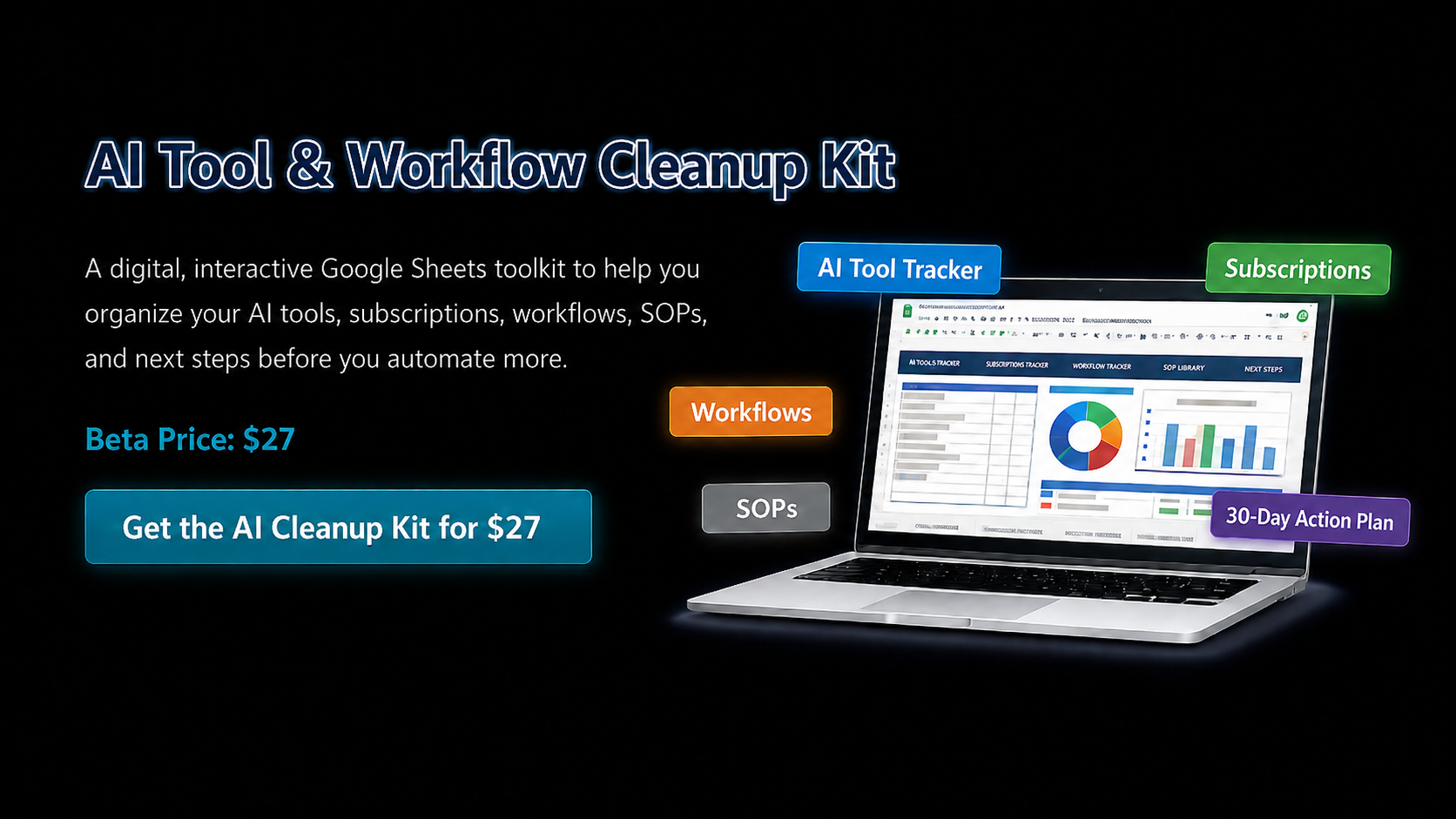
A digital, interactive Google Sheets toolkit to help you organize your AI tools, subscriptions, workflows, SOPs, and next steps before you automate more.
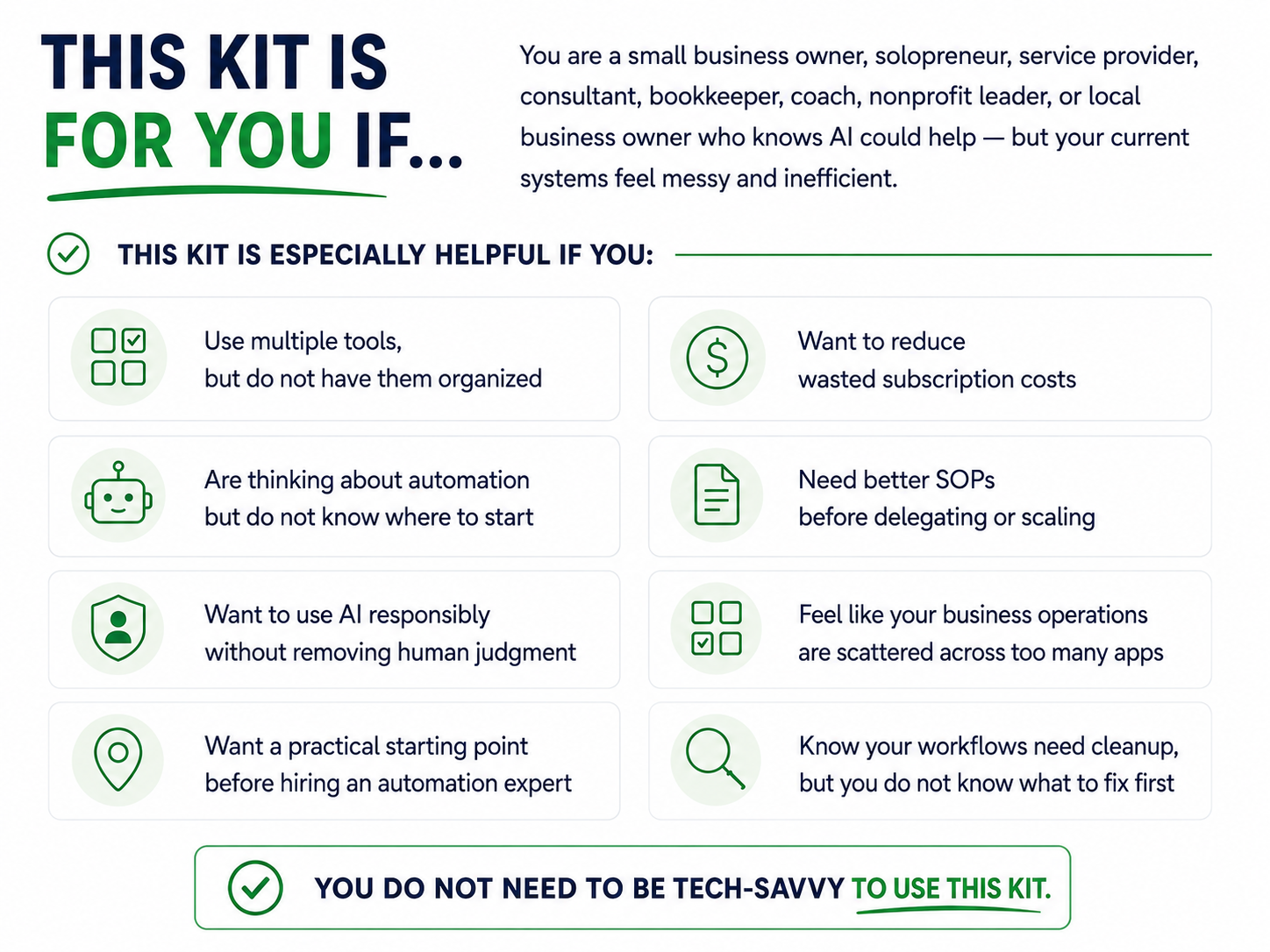
Many small business owners have started using tools such as ChatGPT, Gemini, Canva, Google Workspace, QuickBooks, CRMs, schedulers, project management tools, and automation platforms.
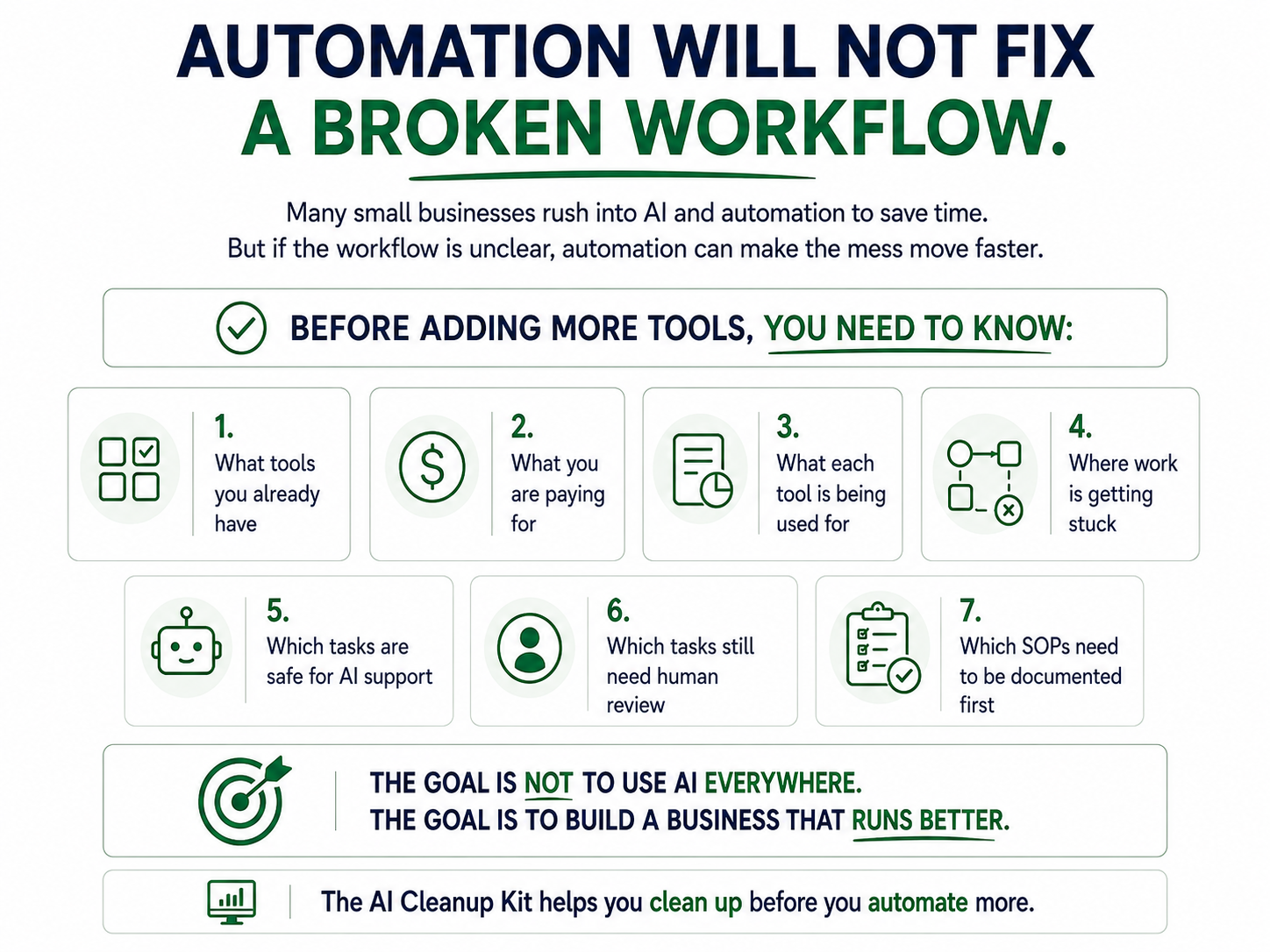
But adding more technology does not always improve how the business runs.
Sometimes it creates more confusion.
You may be dealing with:
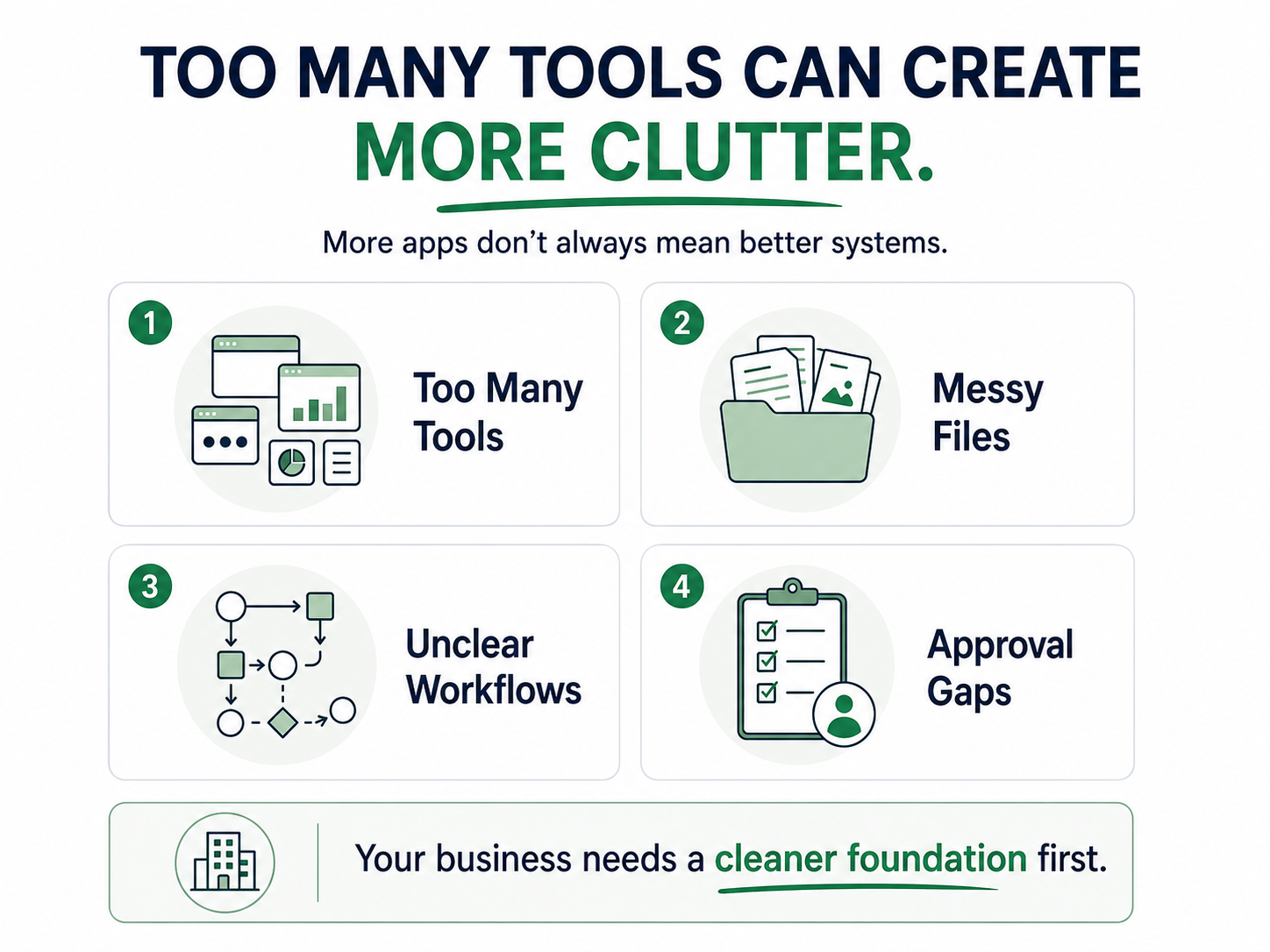
Too many subscriptions and no clear picture of what you actually use
AI tools are being added without a clear business purpose
Files scattered across Google Drive
Workflows that still live in your head
SOPs that are missing, outdated, or incomplete
Tasks are getting delayed because no one knows the next step
Unclear approval points before AI-generated work goes out
Automation ideas that sound exciting but feel overwhelming
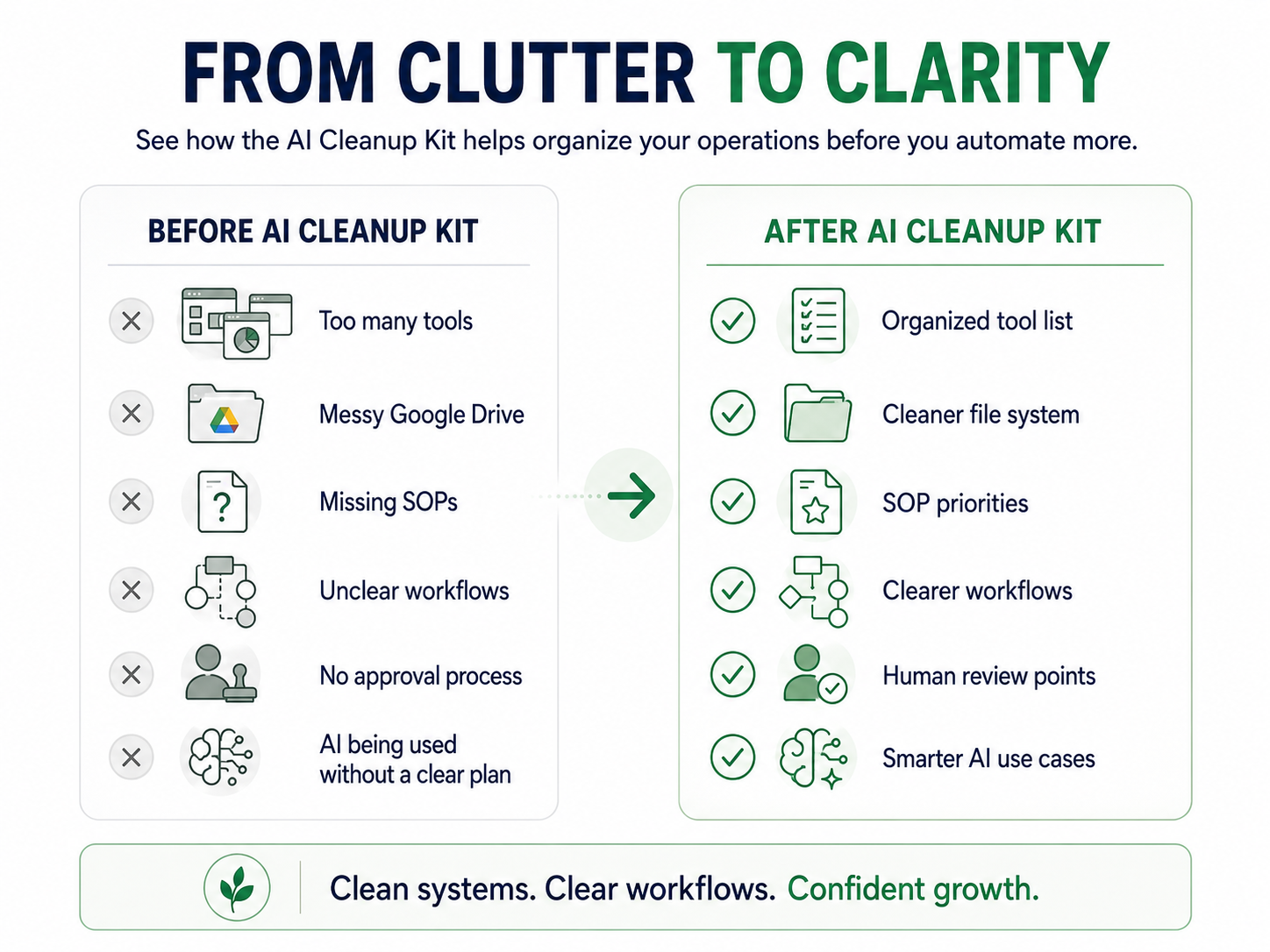
Before you add another tool, build another automation, or ask AI to do more, your business needs a cleaner foundation.
That’s what the AI Cleanup Kit helps you do.
Are your AI tools helping — or just adding more clutter?
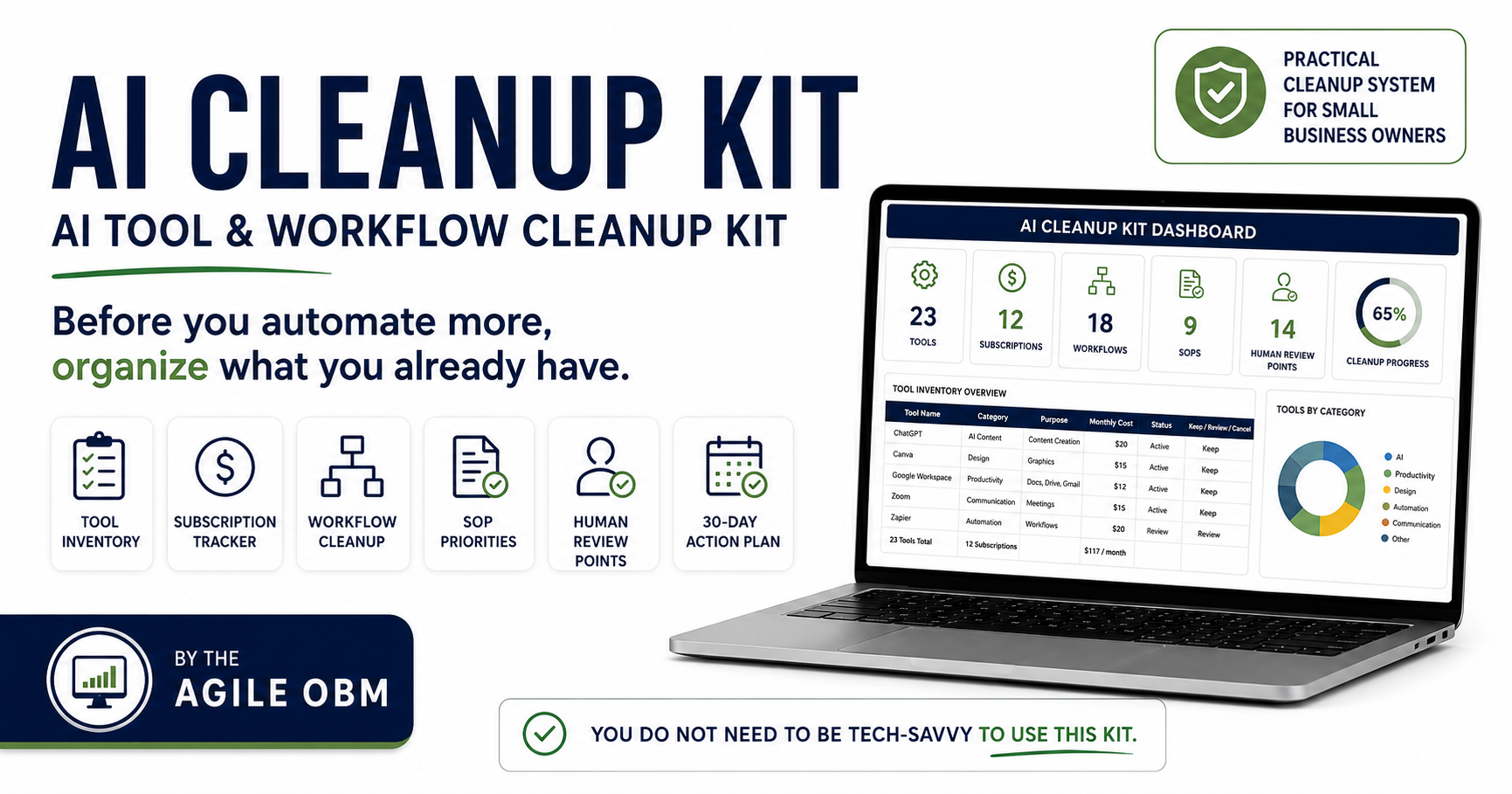
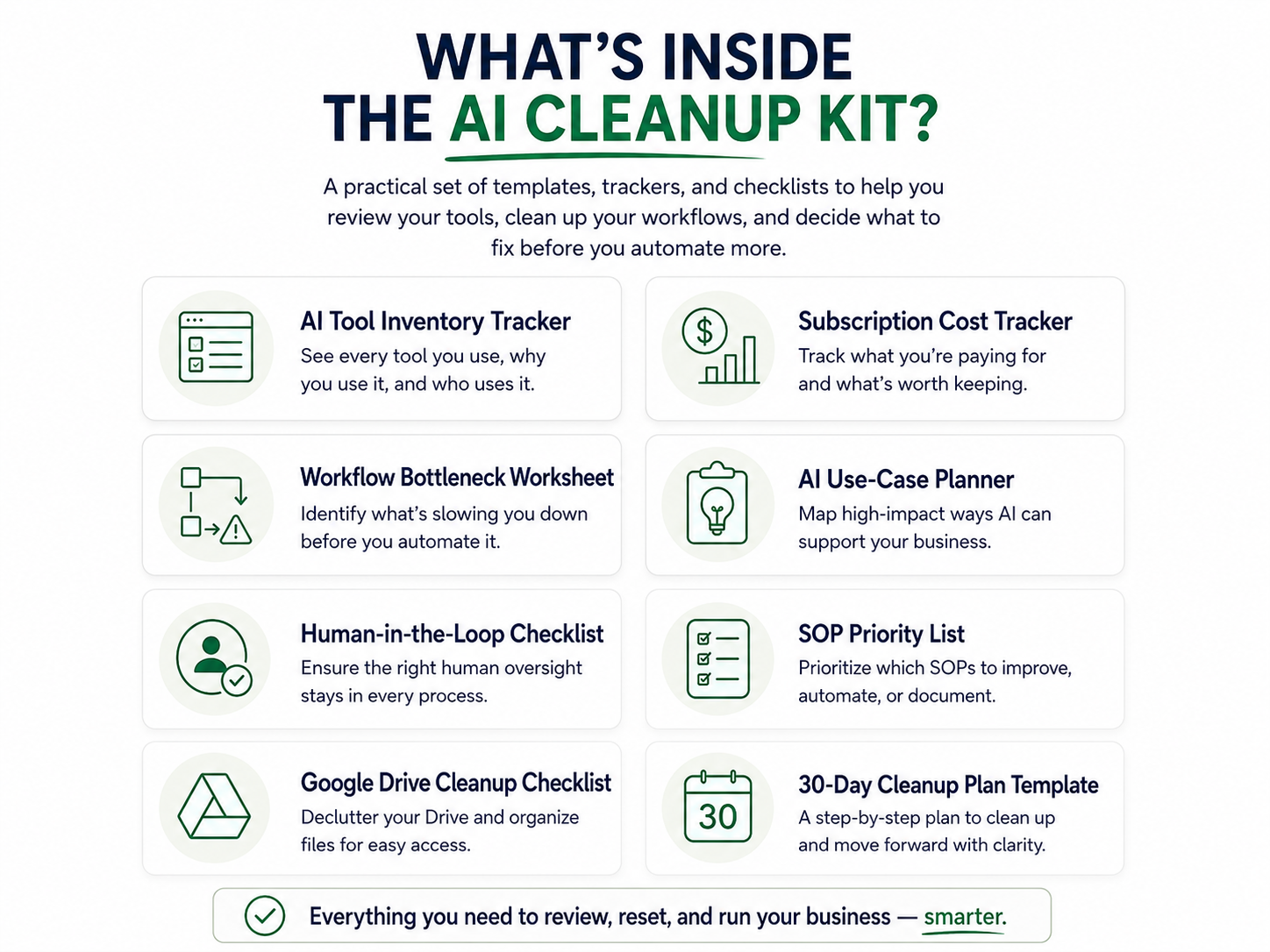
The AI Cleanup Kit includes 8 guided tools to help you organize your tech, review your AI use, identify workflow gaps, and decide what needs to be cleaned up before you automate more.
Inside the kit, you’ll get:
AI Tool Inventory Tracker
List the AI tools, software, and platforms your business currently uses.
Subscription Cost Tracker
Review what you are paying for and identify tools to keep, cancel, or review.
Workflow Bottleneck Worksheet
Identify where tasks, decisions, or handoffs are slowing things down.
AI Use-Case Planner
Decide where AI could actually support your business instead of adding more clutter.
Human-in-the-Loop Checklist
Clarify what AI can help with and what still needs human review or approval.
SOP Priority List
Decide which processes need to be documented first.
Google Drive Cleanup Checklist
Create a simple structure for organizing files, folders, and business documents.
30-Day Cleanup Plan Template
Turn the cleanup process into manageable weekly action steps.

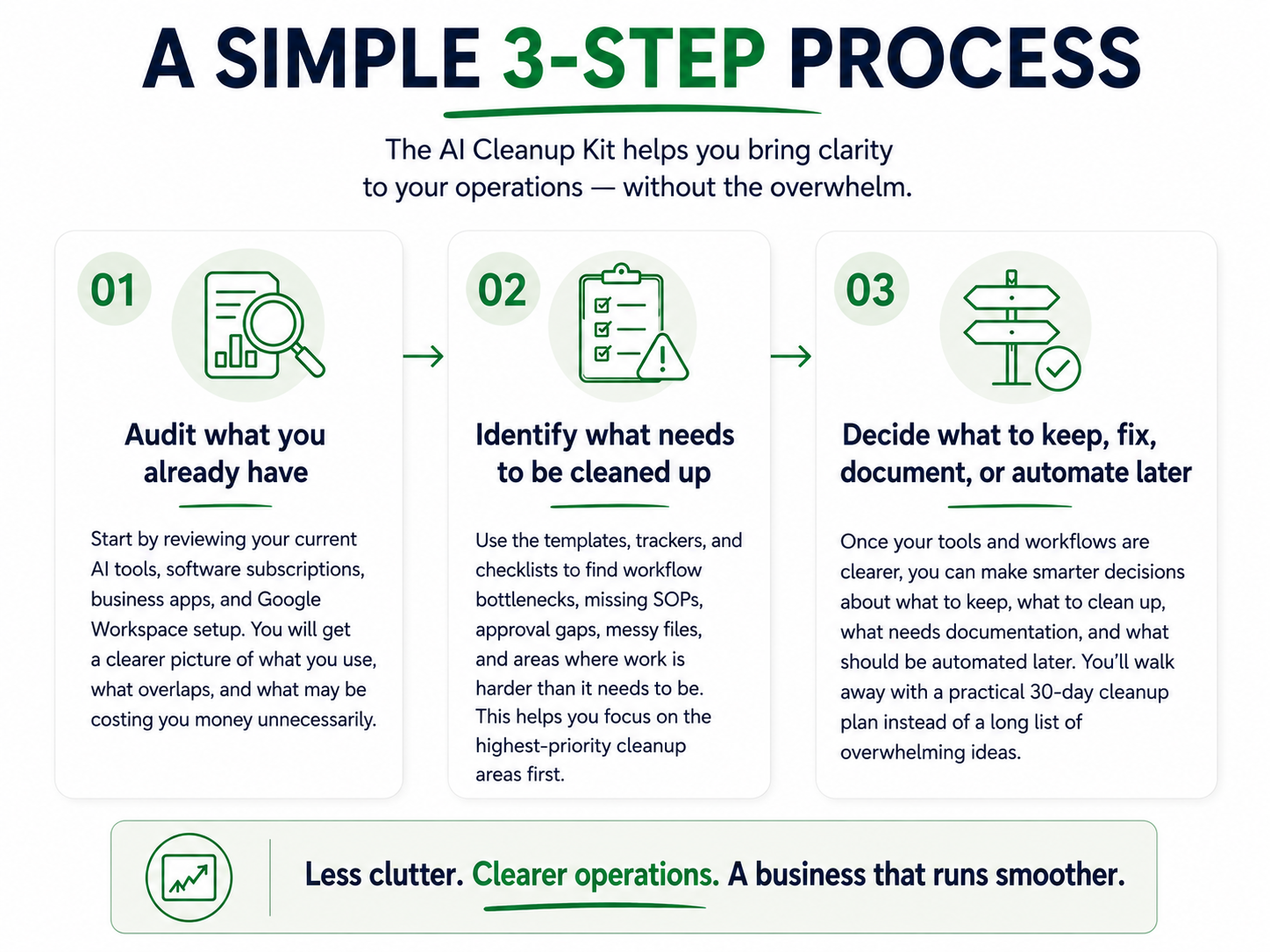
How the AI Cleanup Kit works
-
-
No. The AI Cleanup Kit is beginner-friendly. It is designed to help you get organized before adding more automation or advanced AI tools.
-
This is a digital, interactive, editable Google Sheets toolkit — not a printable workbook. You’ll receive access to templates, trackers, and checklists that you can copy, customize, and use directly for your business.
-
You’ll receive a PDF delivery guide with a link to make your own copy of the editable Google Sheets toolkit. Once copied, you can edit and customize it for your business.
-
The kit can be used with tools like ChatGPT, Gemini, Canva, Google Workspace, QuickBooks, CRMs, scheduling tools, project management platforms, and automation tools. It is not tied to one specific software.
-
No. This is a practical cleanup kit with templates, trackers, and checklists. It is made to help you take action without sitting through hours of training.
-
No. The AI Cleanup Kit helps you prepare for automation by cleaning up your tools, workflows, SOPs, and approval points first.
-
No. This can help local service businesses, consultants, nonprofits, coaches, bookkeepers, virtual assistants, and small teams that use digital tools to manage daily operations.
-
Because automation works best when the process is already clear. If your workflow is messy, automation can create more confusion instead of solving the problem.
-
You will receive access to the cleanup kit so you can start reviewing your tools, subscriptions, workflows, SOPs, and AI use cases.
-
No. The $27 price is a beta price while the product is being tested and improved. The price may increase after the beta period.
-
Yes. The toolkit is self-guided, but if you’d like help reviewing your tools, workflows, or next steps, you can book a complimentary discovery call to explore additional support.
Before you buy another subscription, build another automation, or ask AI to do more in your business, take a step back and organize what you already have.